
Lotus365 Registration, Login and Verification Process
Creating a Lotus365 account gives you instant access to cricket betting, IPL markets, teen patti, rummy, live casino tables, and hundreds of slots, all from one platform. The sign up process takes under 2 minutes and supports both the desktop website and the Lotus365 mobile app. Every login returns you directly to your active bets, deposited balance, and available promotions. Account verification is required before your first withdrawal and keeps your funds and personal data protected at all times.
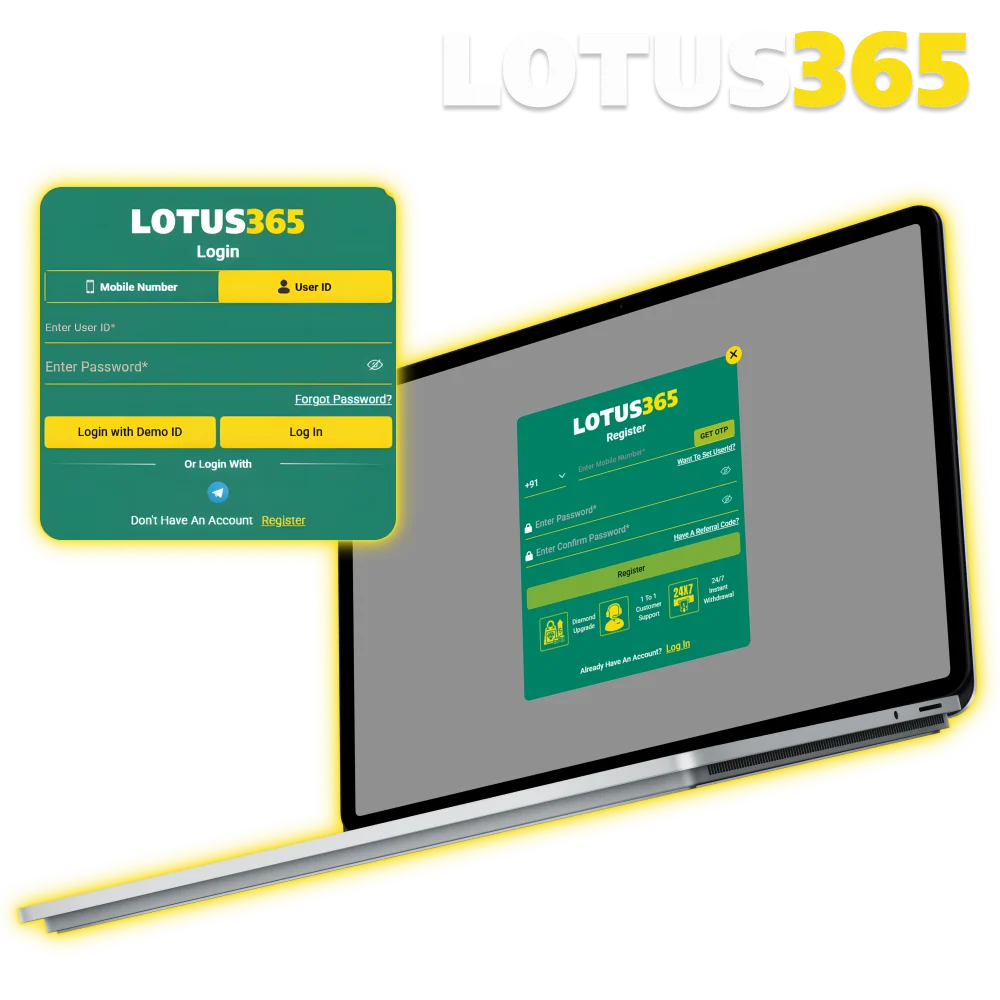
How to Complete the Lotus365 Sign Up in 5 Steps
The Lotus365 registration process is straightforward and takes only a few minutes to complete. Follow these steps to create your account and start playing.
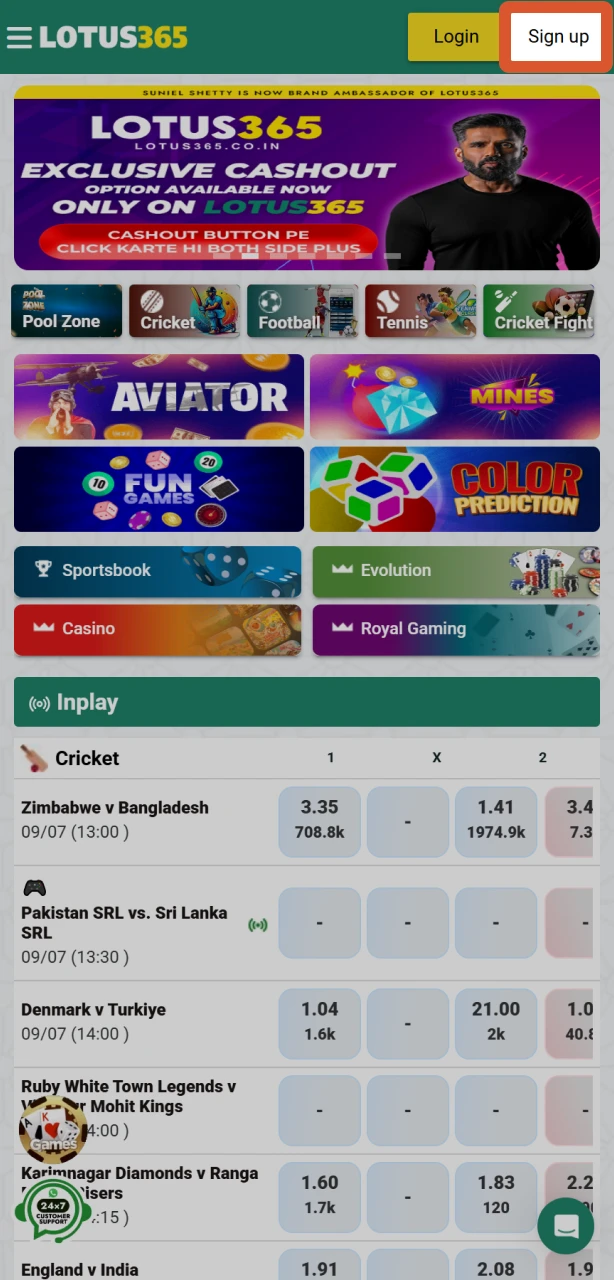
Open the Registration Form
Click the “Register Now” button on this page to open the official Lotus365 sign up form directly.
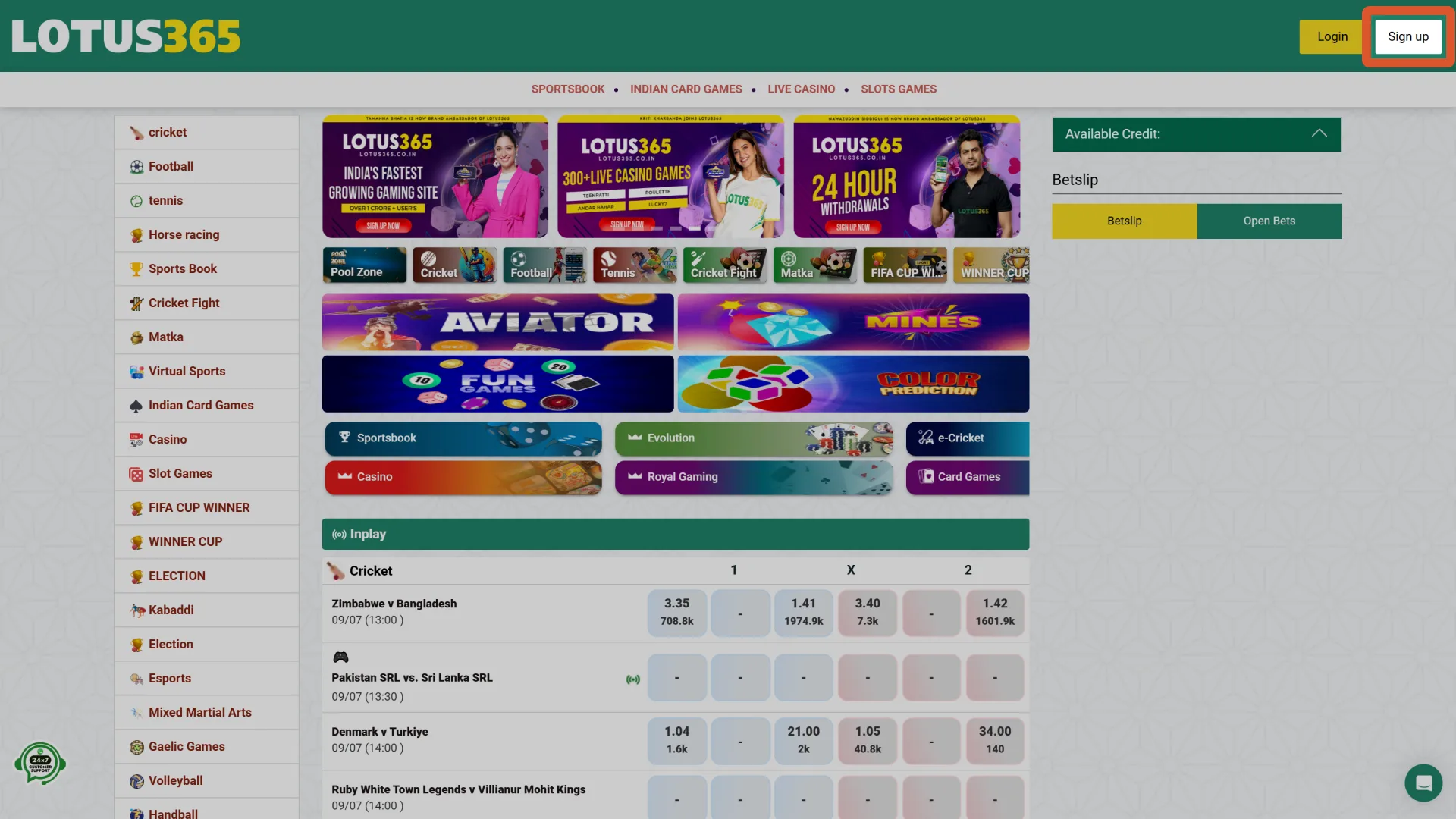
Choose Your Registration Method
Select your preferred method: mobile number registration, email registration, or one-click social login via Google or WhatsApp.
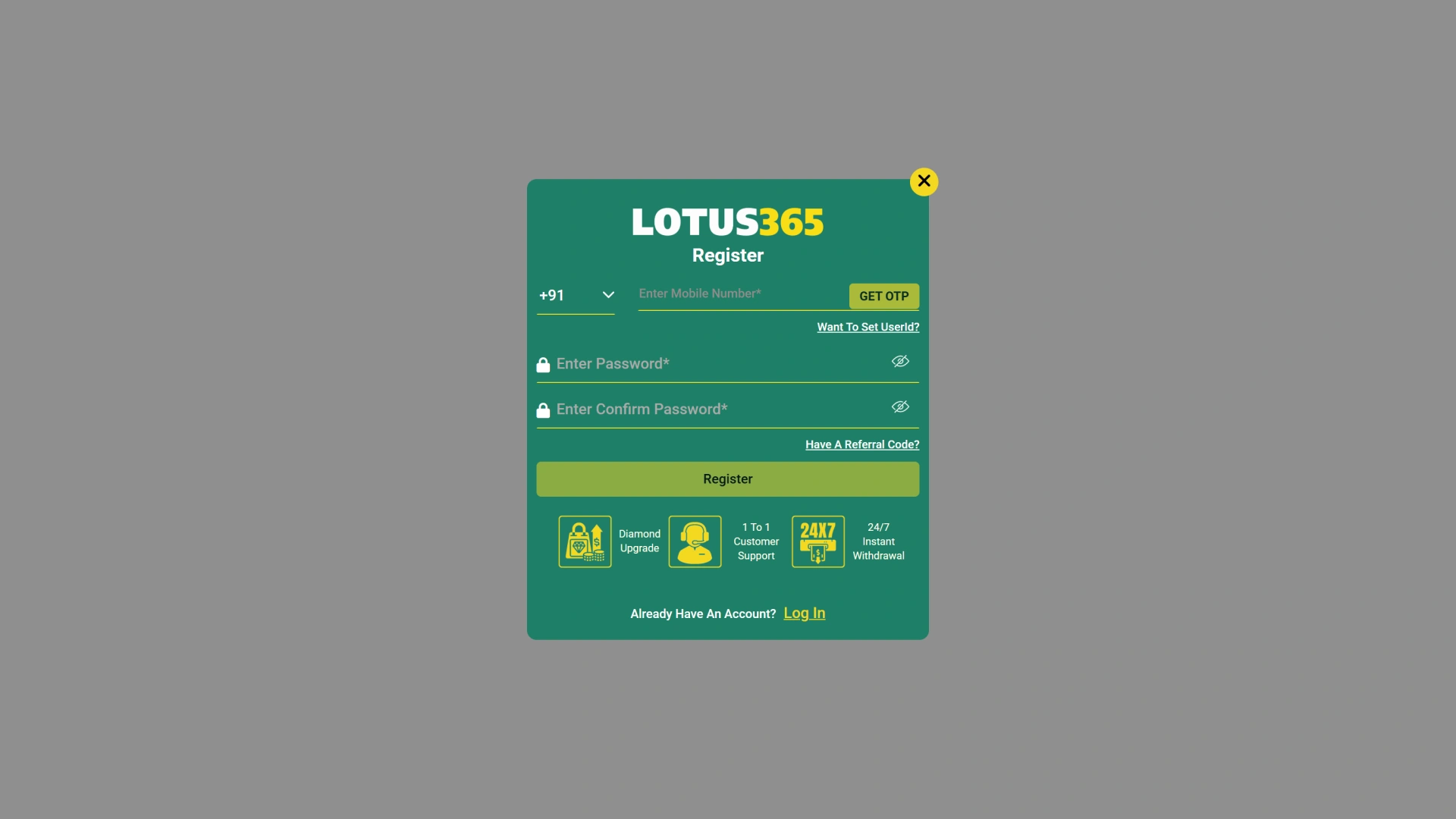
Enter Your Details
Provide your full name, date of birth, mobile number or email address, and create a secure password.
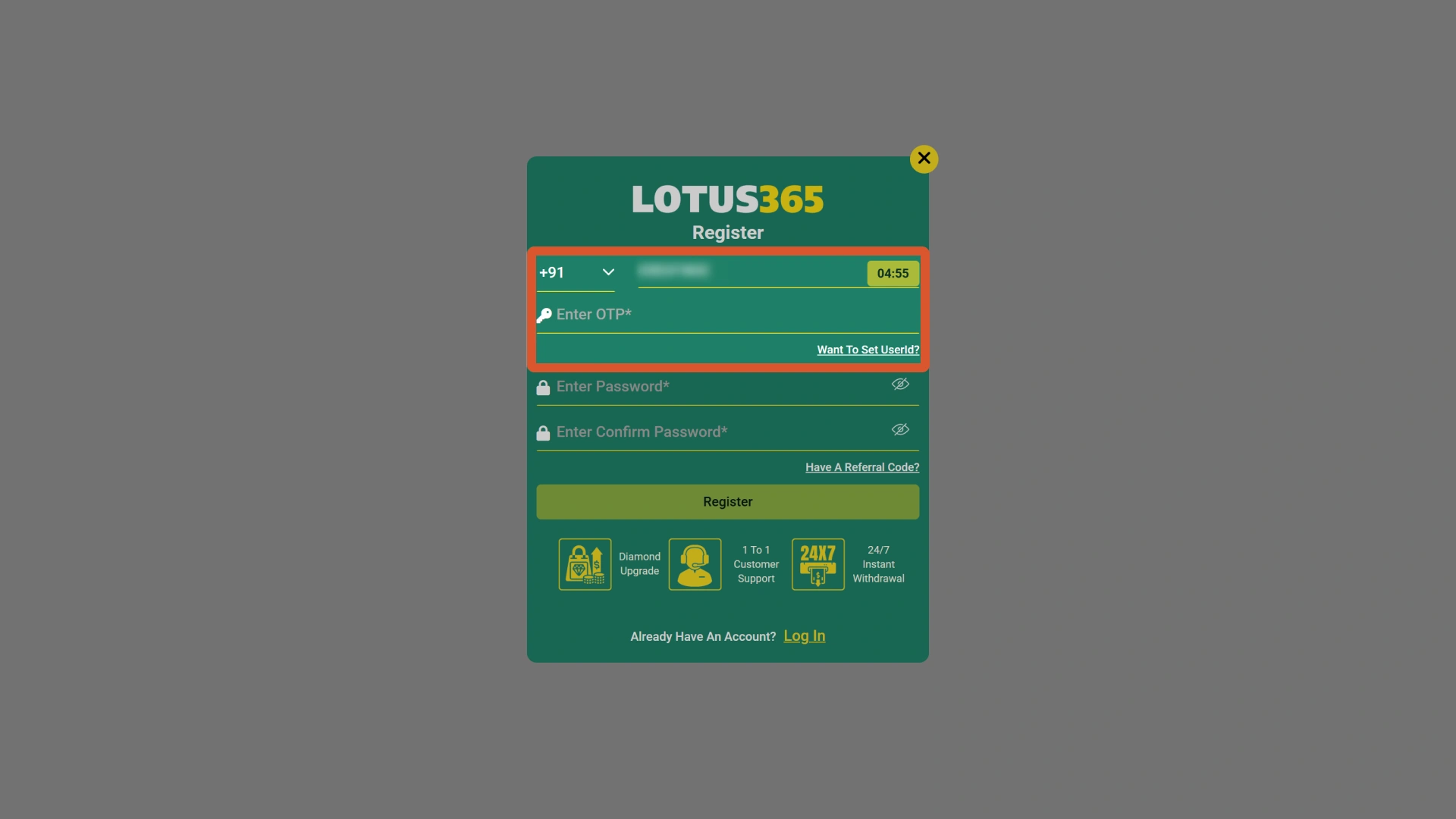
Set Your Currency and Preferences
Select INR as your preferred currency and enter a referral or promo code if you have one.
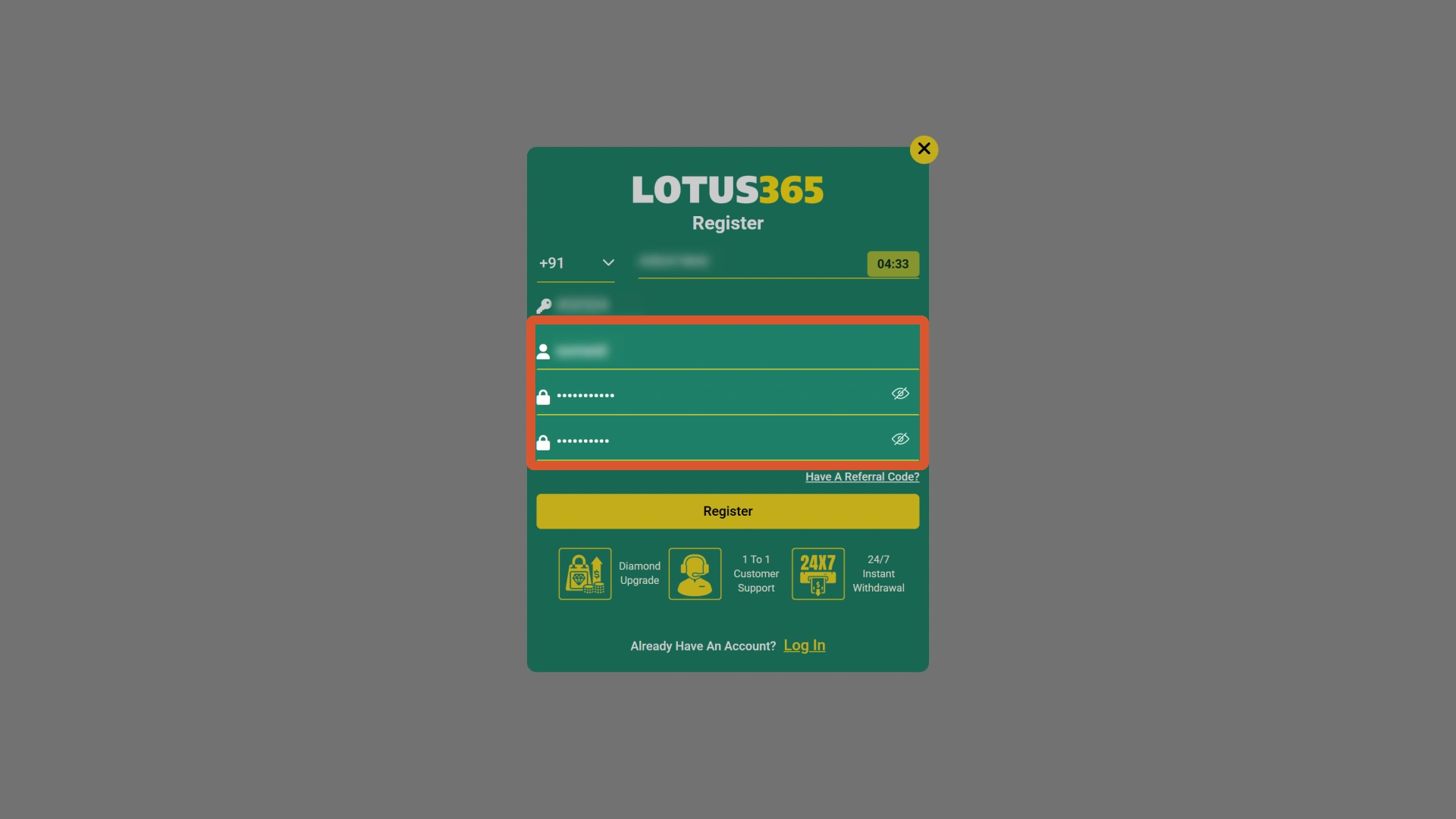
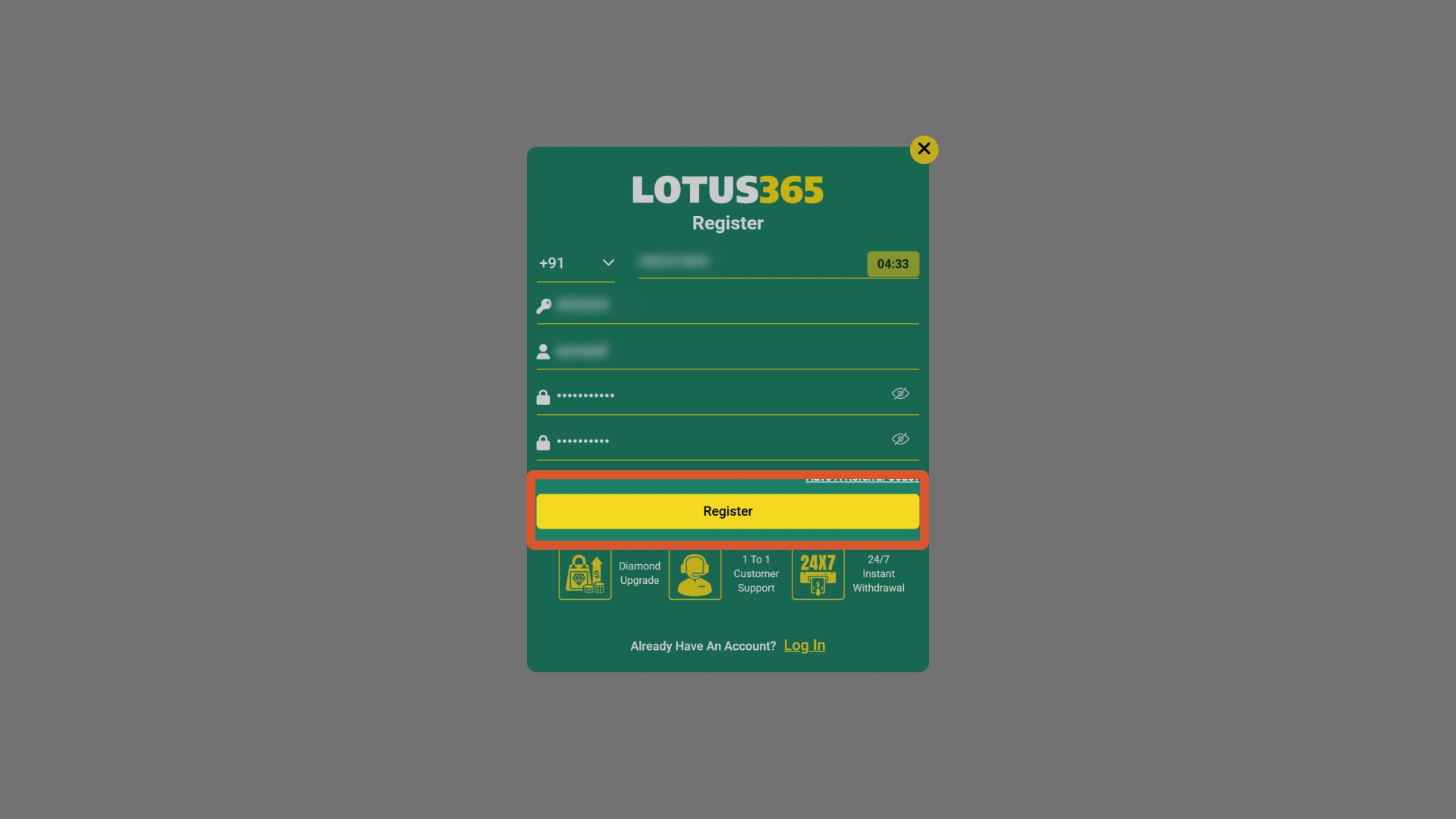
Confirm and Access Your Account
Submit the form and confirm your mobile number or email via the OTP or verification link sent to you. Your account is immediately active.
Lotus365 App Registration: Sign Up on Mobile
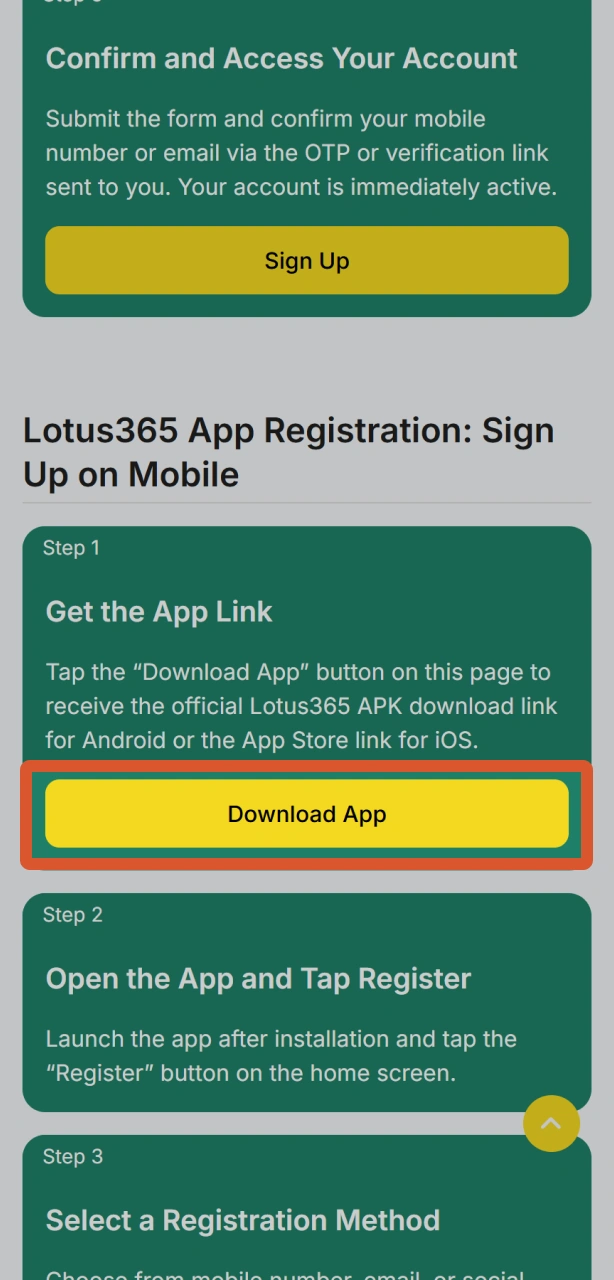
Get the App Link
Tap the “Download App” button on this page to receive the official Lotus365 APK download link for Android or the App Store link for iOS.
Open the App and Tap Register
Launch the app after installation and tap the “Register” button on the home screen.
Select a Registration Method
Choose from mobile number, email, or social login via Google or WhatsApp.
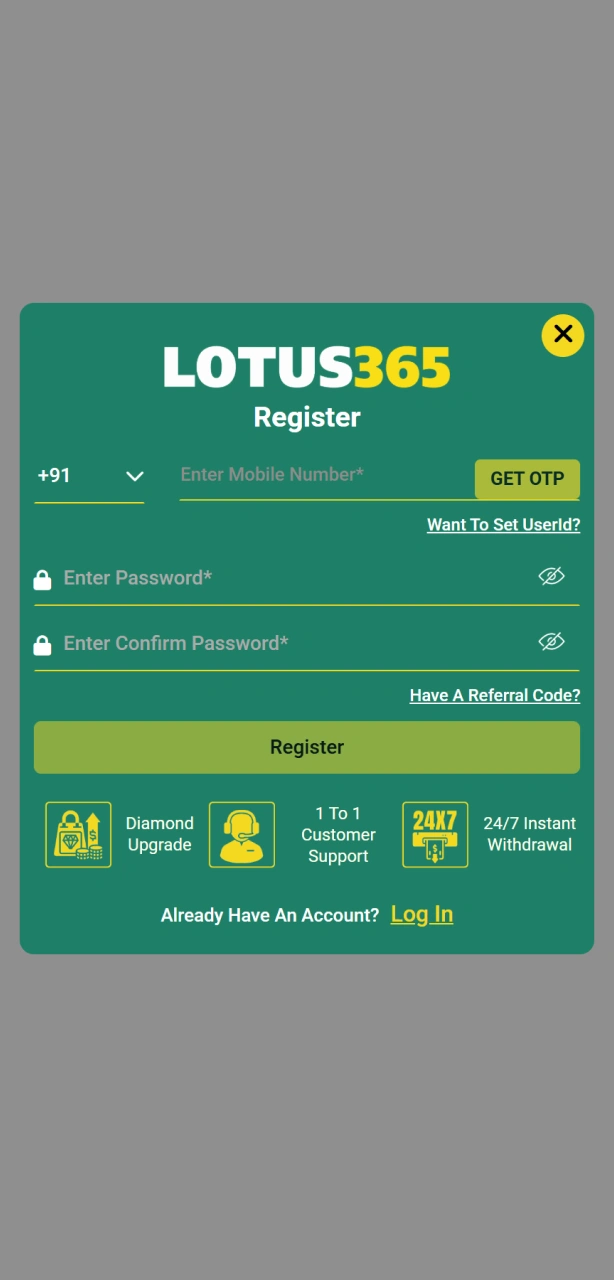
Fill In Your Account Details
Enter your full name, date of birth, contact details, preferred password, and select INR as your currency.
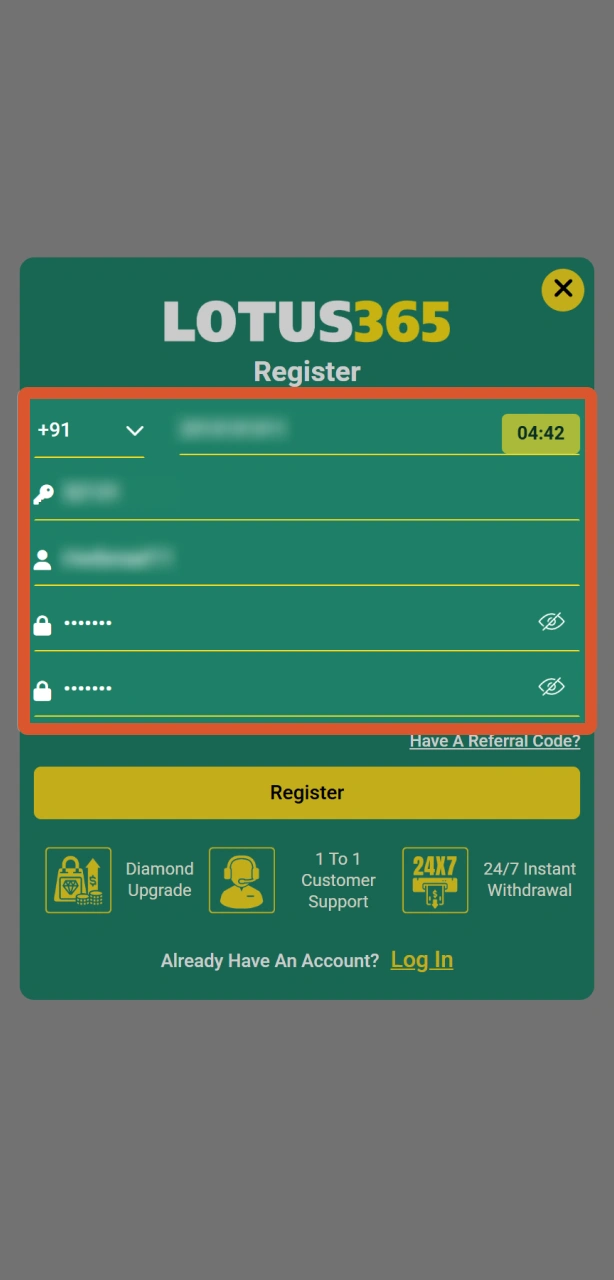
Verify and Activate
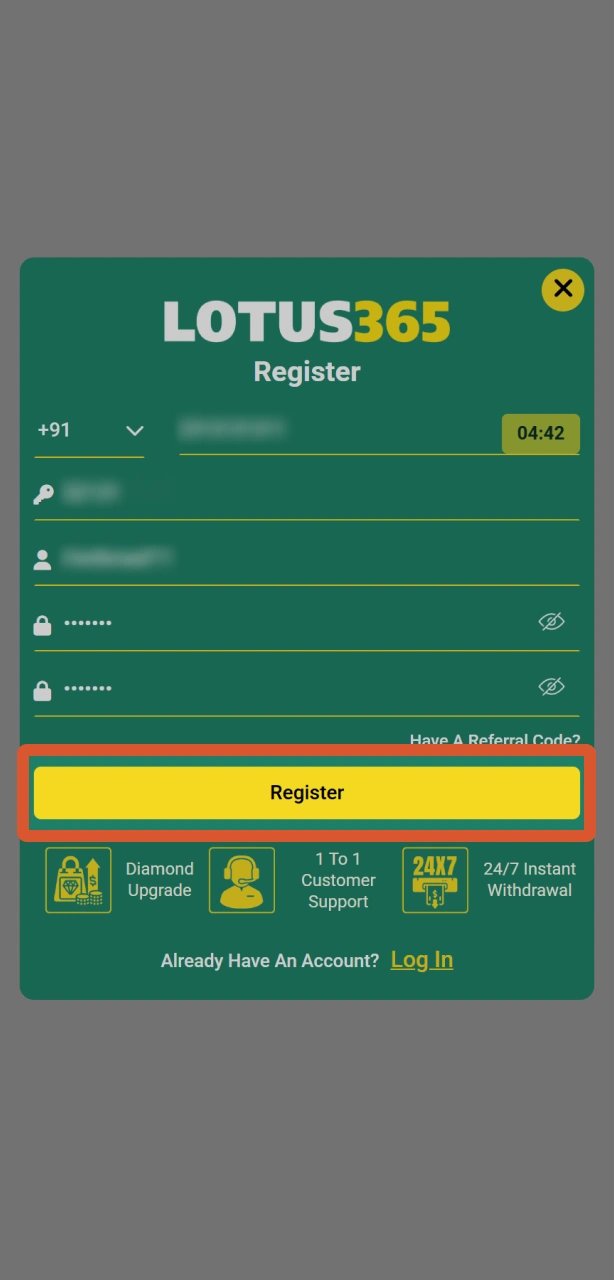
Enter the OTP received on your mobile number or email. Your account activates instantly and your welcome bonus is credited.
Lotus365 Account Requirements Before You Register
Before you register online with Lotus365, your account must meet a set of eligibility criteria. These requirements protect both the platform and its users, and they apply to all new accounts without exception. Only one account is permitted per person, per device, and per household. Attempting to create duplicate accounts may result in permanent suspension of all associated accounts.
- Minimum Age: You must be at least 18 years old. Age verification is enforced during the KYC process and is required by Indian gambling norms.
- Valid Indian Mobile Number or Email: A working mobile number or email address is required to complete OTP verification during sign up.
- One Account Per User: Each user is allowed a single Lotus365 account. Duplicate accounts are prohibited and will be flagged by the system.
- Accurate Personal Information: Your name, date of birth, and contact details must match your official government-issued ID to pass verification and process withdrawals.
- Accepted Geographic Location: Lotus365 accepts players from India. Access from jurisdictions where online gambling is restricted may result in account limitations.

Lotus365 Account Verification: KYC Steps Explained
Lotus365 account verification is the KYC (Know Your Customer) process that confirms your identity before your first withdrawal is processed. Verification protects your account against unauthorised access and ensures all winnings are paid to the correct person. Completing KYC also removes any deposit or withdrawal limits placed on new accounts.
- Identity Verification: Submit a government-issued photo ID such as an Aadhaar card, PAN card, Voter ID, or passport. The document must be valid and clearly readable.
- Address Verification: Provide proof of address dated within the last 3 months. Accepted documents include an Aadhaar card with address, a utility bill, or a bank statement.
- Payment Method Verification: Confirm the UPI ID, bank account, or e-wallet you intend to use for withdrawals. This step links your financial instrument to your verified identity.
- Selfie or Liveness Check: Upload a selfie or complete a short liveness check through the app or website to confirm you are the account holder.
- Review and Approval: The Lotus365 verification team reviews submitted documents. Standard review time is up to 24 hours. You are notified by SMS or email once approved.
How to Log In to Your Lotus365 Account
Your Lotus365 account login method corresponds directly to the registration method you selected at sign up. Use the same credentials and channel to access your account each time.
Go to the Login Page
Click the “Sign In” button on this page to open the Lotus365 login form.
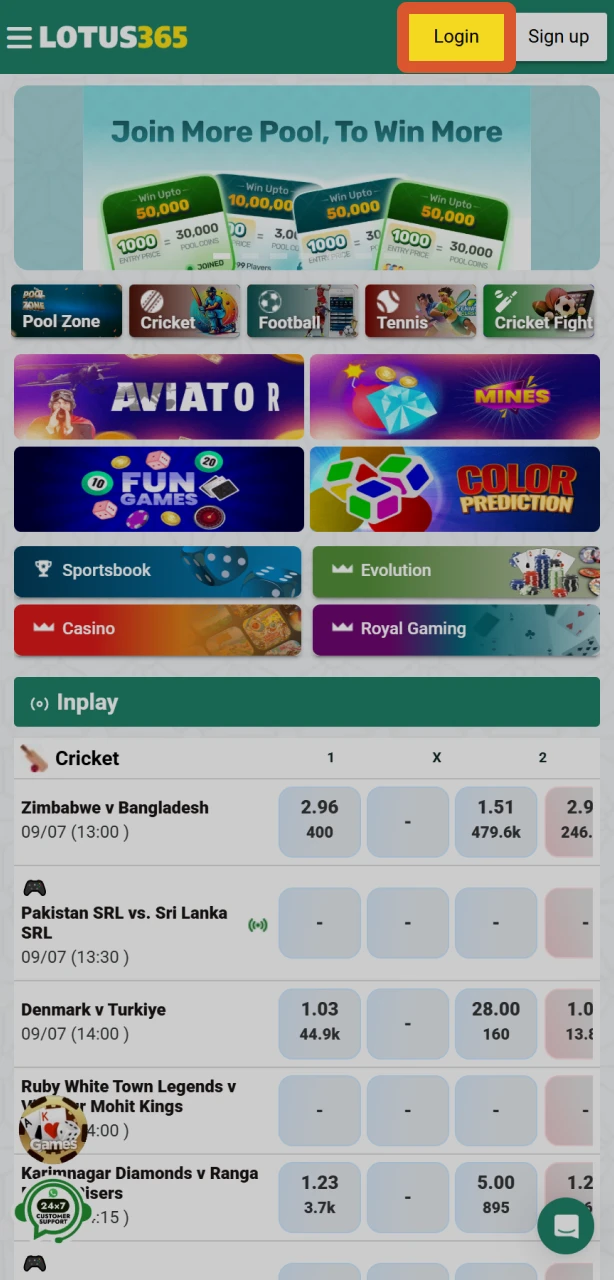
Enter Your Registered Credentials
Input your registered mobile number or email address along with your password. If you registered via Google or WhatsApp, tap the corresponding social login button.
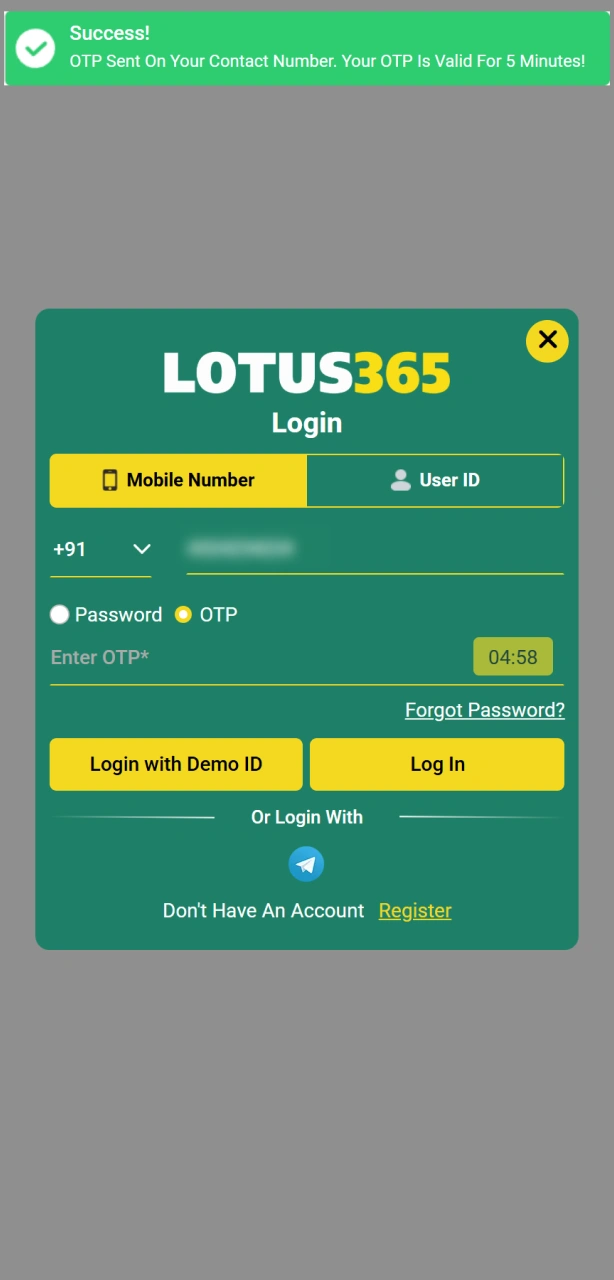
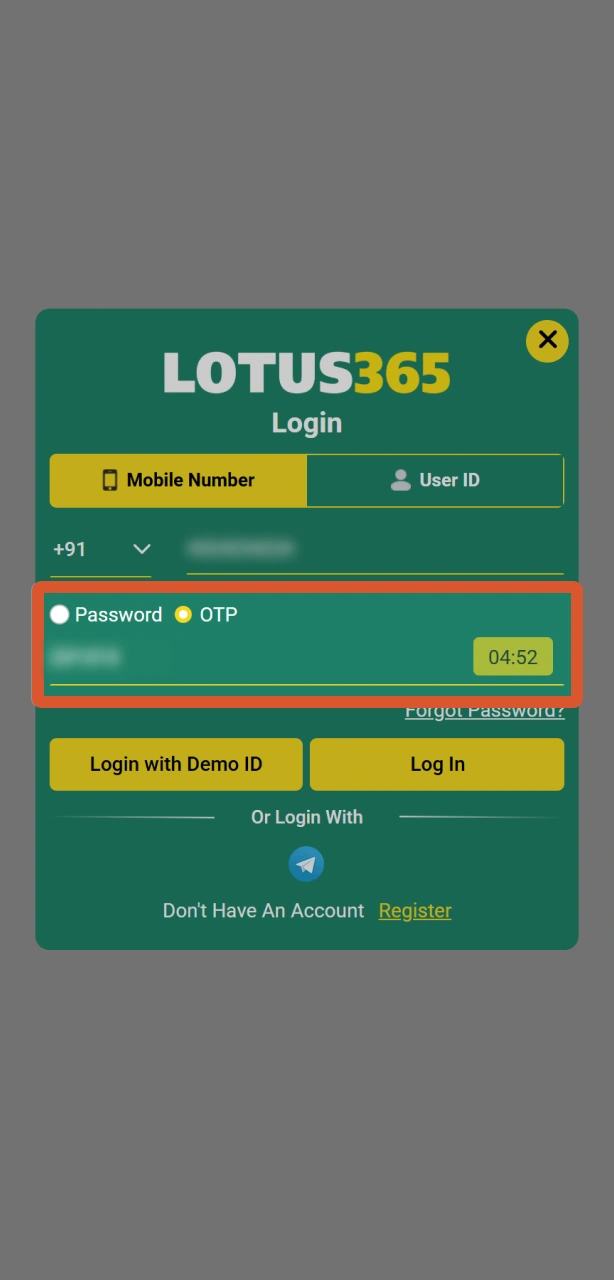
Complete OTP Verification if Prompted
For added security, Lotus365 may send a one-time password to your registered mobile number. Enter the OTP to proceed.
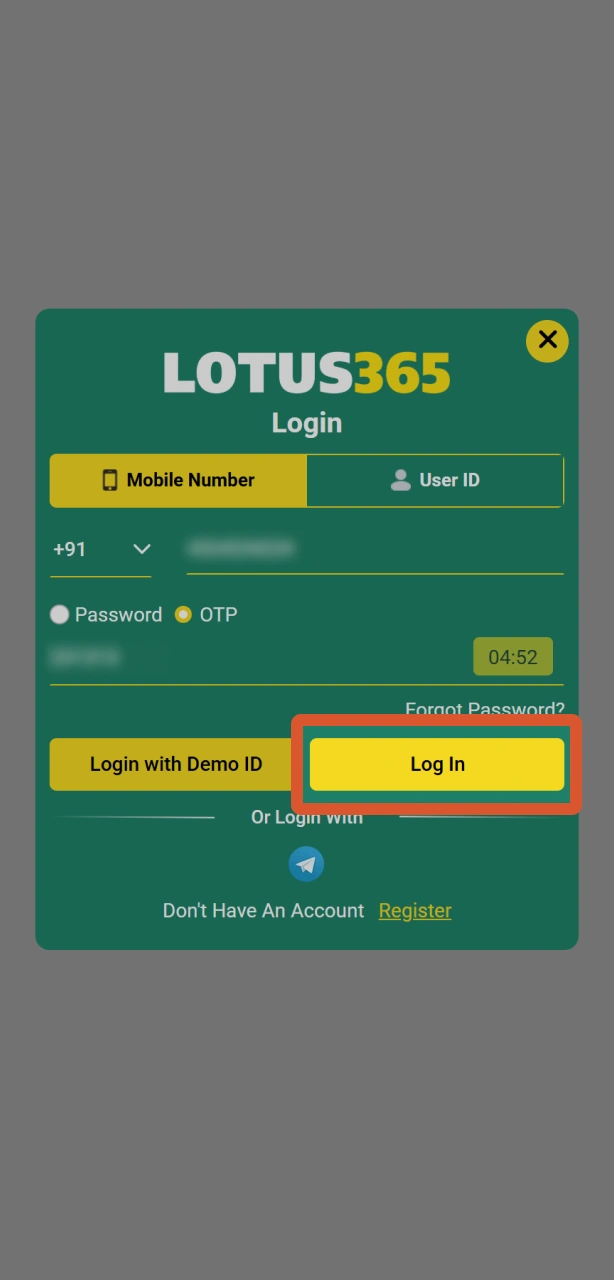
Access Your Account
After successful authentication, you are redirected to your account dashboard where your balance, active bets, and bonuses are displayed.
Welcome Bonus After Lotus365 Registration
Lotus365 offers new users an Exclusive Cash Out welcome package covering both sports betting and casino play. The bonus is credited to your account after your first qualifying deposit and is available to all newly registered users. The table below outlines the current welcome offer structure:
| Bonus | Type | Minimum Deposit | Wagering Requirement |
|---|---|---|---|
| 100% Sports Welcome Bonus | Sports Betting | INR 500 | 3x rollover on sports |
| 100% Casino Welcome Bonus | Casino | INR 500 | 10x rollover on eligible games |
Both bonuses apply to your first deposit made within 7 days of registration. Wagering must be completed within 30 days of the bonus being credited. The sports bonus applies to pre-match and live markets, including cricket, football, and kabaddi. The casino bonus is valid on slots and live dealer tables, excluding certain progressive jackpot titles.
Steps to Claim Your Lotus365 Welcome Bonus
Your welcome bonus is not credited automatically in all cases. Follow these steps to ensure the offer is applied to your first deposit.
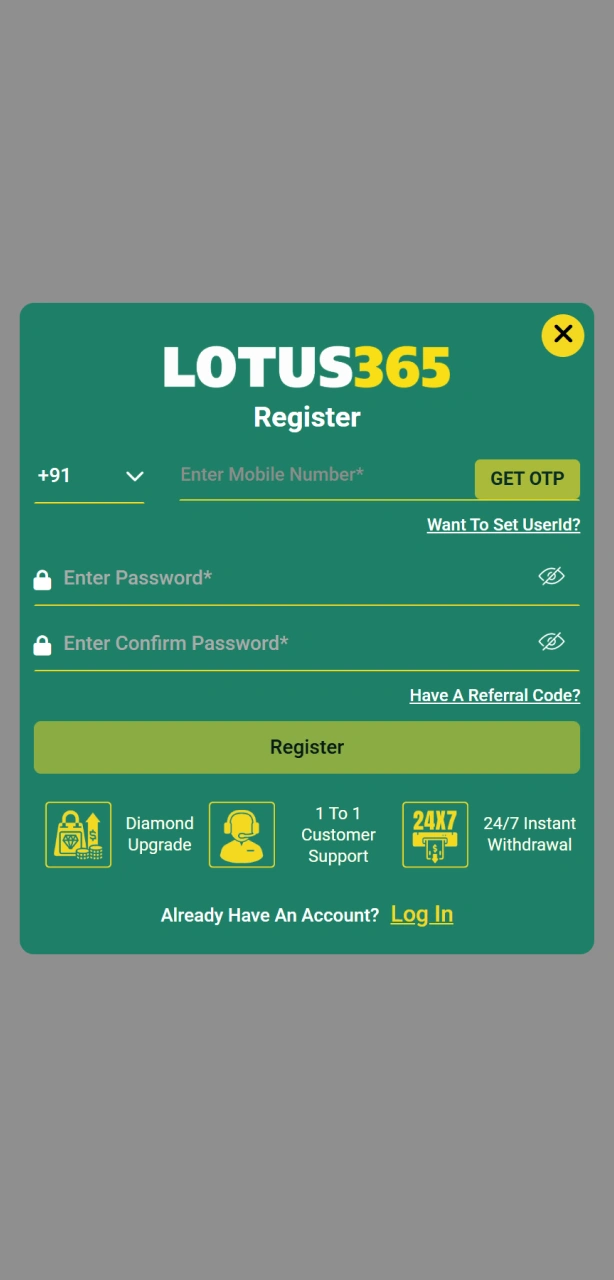
Register Your Account
Click the “Claim Bonus” button on this page and complete the Lotus365 sign up process using any available registration method.
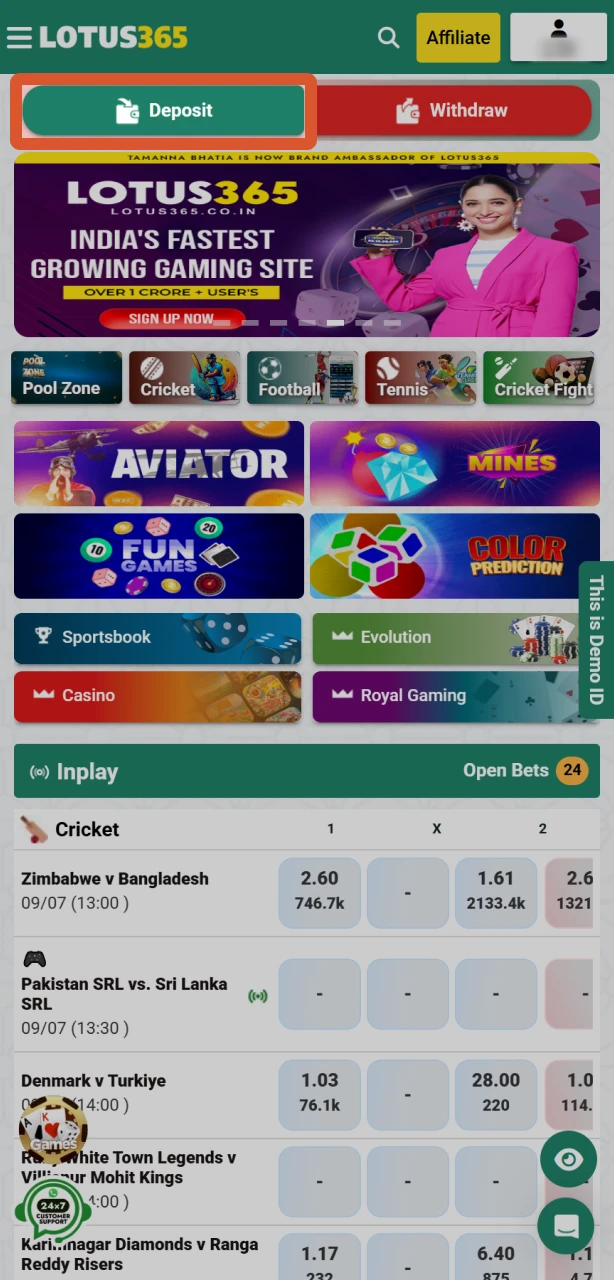
Navigate to the Deposit Section
After login, go to the cashier or deposit section and select your preferred payment method: UPI, Net Banking, Paytm, PhonePe, or bank transfer.
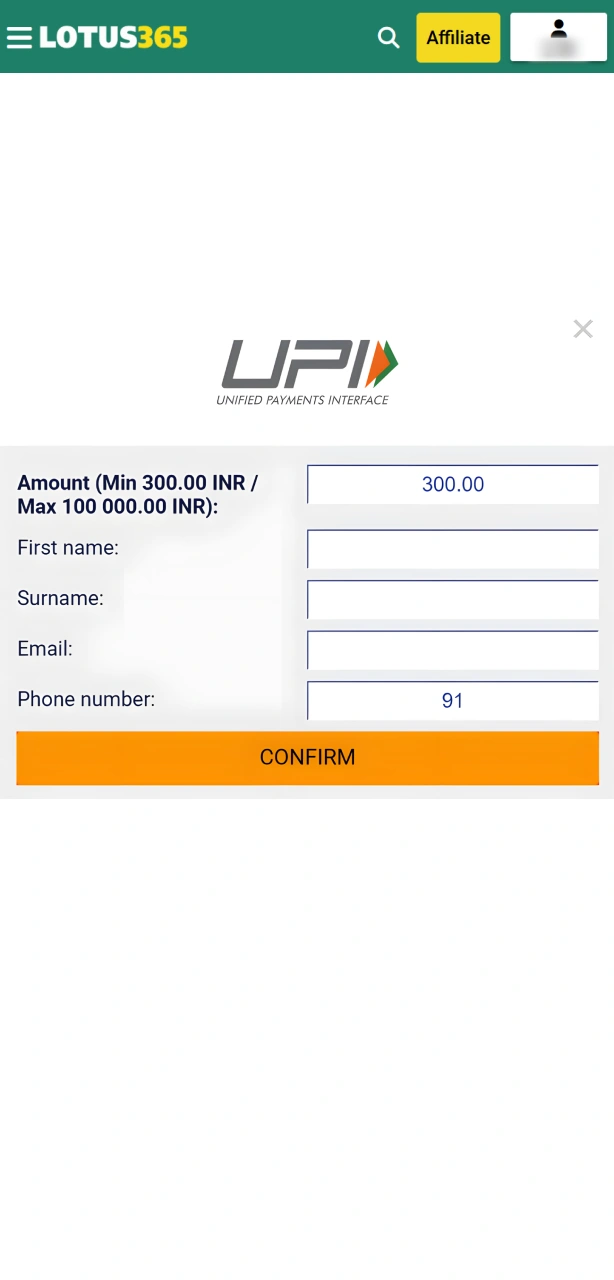
Deposit the Minimum Qualifying Amount
Deposit a minimum of INR 500 and select the welcome bonus option if prompted. Confirm the deposit.
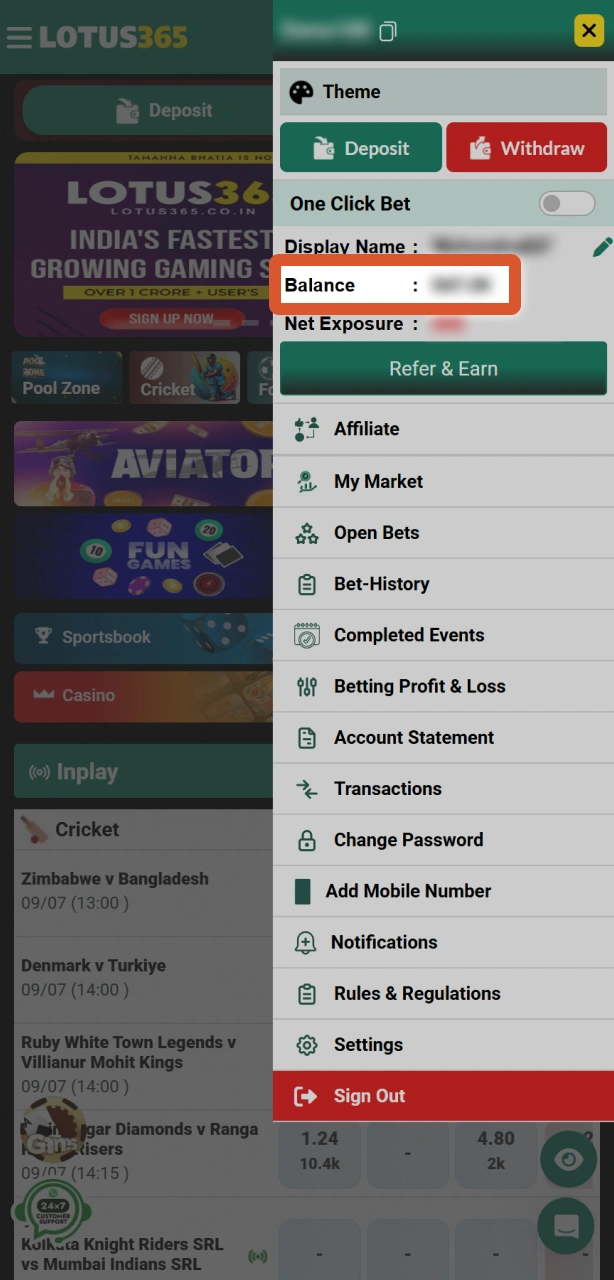
Check Your Bonus Wallet
The bonus amount is credited to your promotional wallet within a few minutes of the deposit being confirmed. Track wagering progress in the “My Bonuses” section of your account.
Common Registration Problems and How to Fix Them
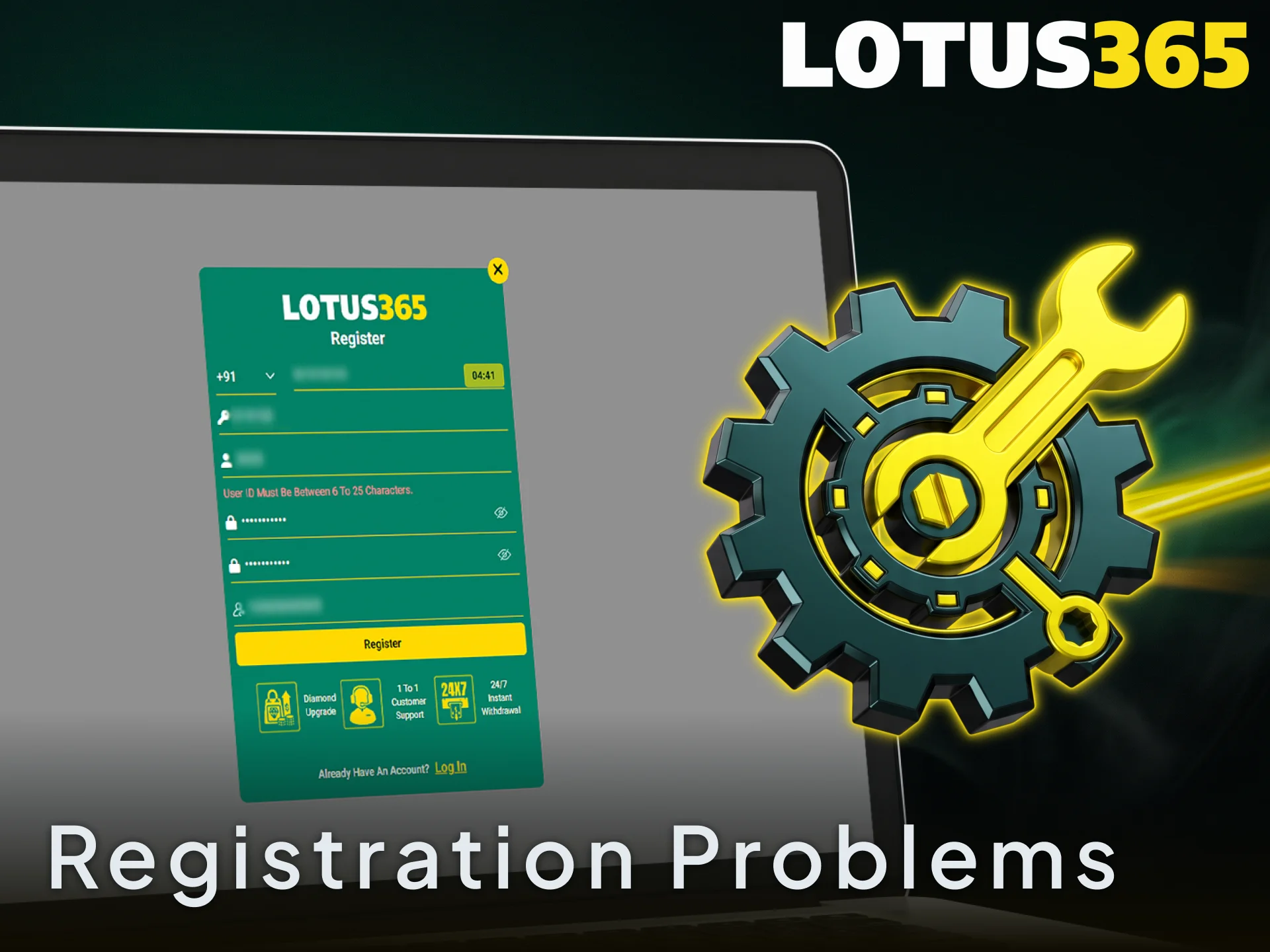
Most registration issues on Lotus365 can be resolved in under 5 minutes using the fixes below. If your issue is not listed, contact Lotus365 support via live chat or WhatsApp for direct assistance.
- OTP not received: Check that your mobile number is entered correctly without the country code prefix duplication. If the OTP does not arrive within 2 minutes, tap “Resend OTP.” Ensure your number is not on DND (Do Not Disturb) registry;
- Email verification link not working: Check your spam or junk folder. Links expire after 24 hours, so request a new one from the login page;
- Mobile number already registered: This indicates an existing account linked to that number. Use the password recovery option or contact support to retrieve access;
- Form not submitting: Ensure all mandatory fields are filled, your password meets the minimum 8-character requirement, and you have accepted the Terms and Conditions;
- Account blocked after sign up: This is typically triggered by IP detection or duplicate account flags. Contact support with your registration details for a manual review.
Lotus365 Account Password Recovery
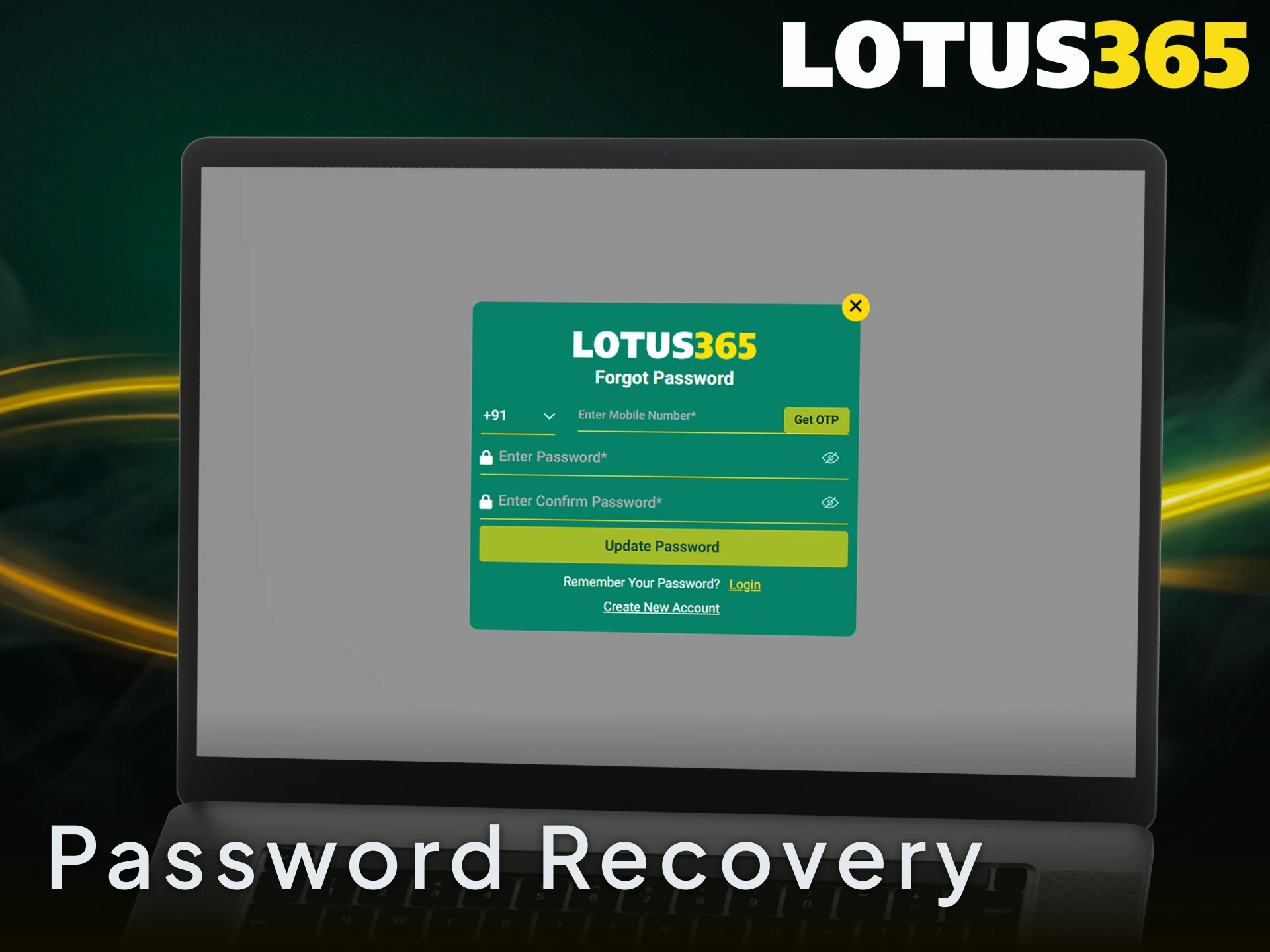
If you have forgotten your Lotus365 password, you can recover access in a few steps directly from the login page on this site.
- Click the “Sign In” button on this page and then select the “Forgot Password” link below the login form.
- Enter your registered mobile number or email address to receive a password reset OTP or reset link.
- Enter the OTP or click the reset link sent to your mobile or email within 10 minutes of the request.
- Create a new password of at least 8 characters, combining letters and numbers for security.
- Log in with your new password. If you continue to face issues, contact Lotus365 support via live chat with your registered contact details for identity verification and manual assistance.
How to Delete Your Lotus365 Account
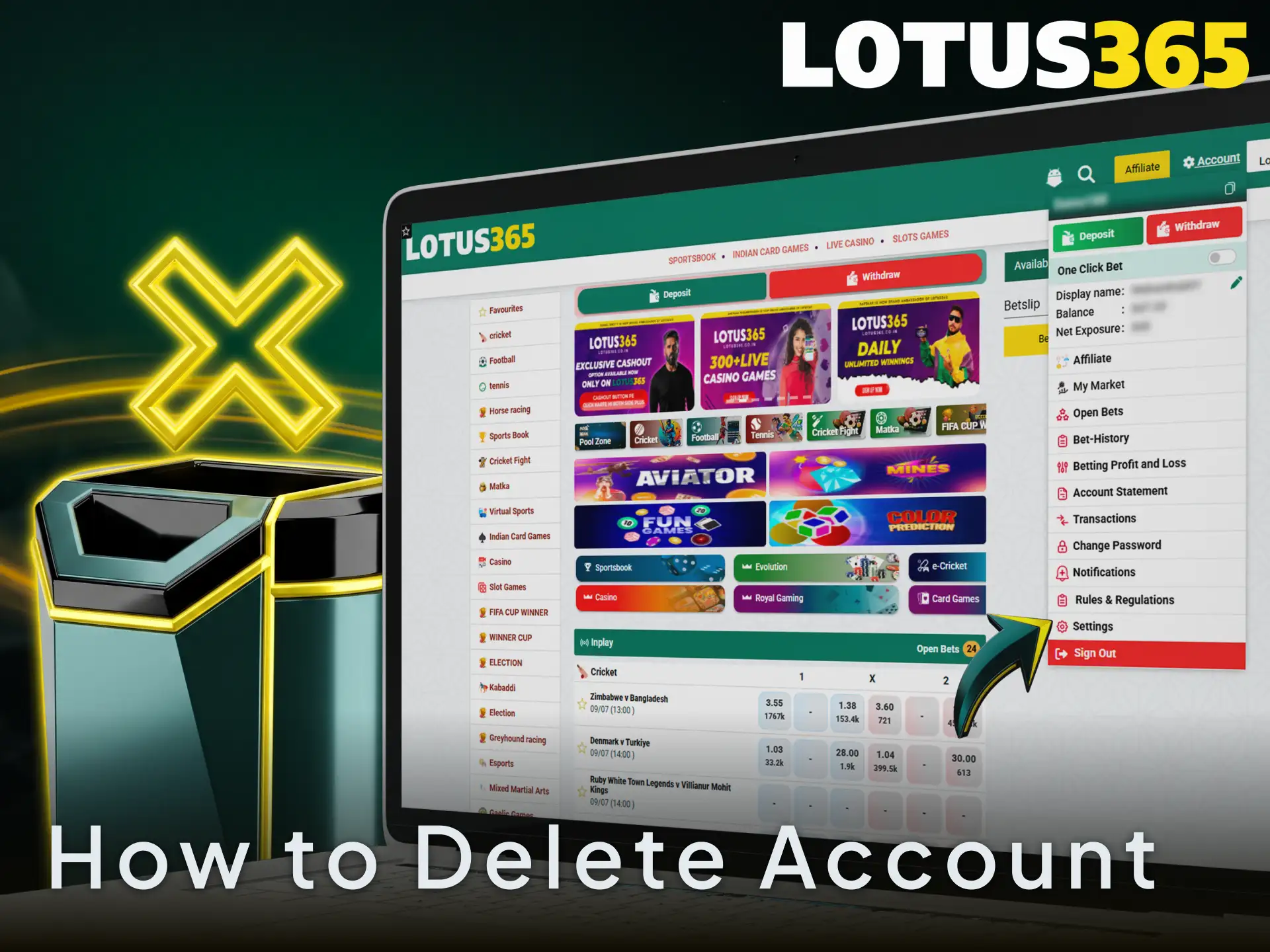
Account deletion on Lotus365 is typically requested for reasons such as self-exclusion, responsible gambling, or a decision to stop playing. Before submitting a deletion request, ensure all pending withdrawals are processed and your balance is at zero.
- Log in to your Lotus365 account on this website and navigate to “Account Settings” or “Profile”.
- Locate the “Close Account” or “Delete Account” option within the settings menu and submit your deletion request, providing a reason if prompted.
- If the option is not visible in your account settings, contact Lotus365 customer support via live chat or the official support email with your registered mobile number or email and a written account closure request.
- Await confirmation from the Lotus365 support team. Account closure is typically confirmed within 24 to 48 hours. A confirmation message is sent to your registered contact once the deletion is complete.
FAQ
Can I register on Lotus365 without an Aadhaar card?
Yes, you can complete the initial Lotus365 registration without an Aadhaar card. However, account verification for withdrawals requires at least one valid government-issued ID, which can be a PAN card, Voter ID, or passport as an alternative to Aadhaar.
How many accounts can one person hold on Lotus365?
Each user is permitted exactly one account on Lotus365. Multiple accounts linked to the same person, device, or IP address are prohibited and may result in all associated accounts being suspended without notice.
Is the Lotus365 mobile app available on iOS and Android?
The Lotus365 app is available for both Android (via APK download from this site) and iOS (via the App Store). The app supports all account functions including registration, deposit, withdrawal, and live betting.
How long does Lotus365 account verification take?
Document review typically takes up to 24 hours after submission. During peak periods, review may extend to 48 hours. You receive an SMS or email notification once your KYC status is updated.
Can I use UPI for deposits immediately after registration?
Yes, UPI is available as a deposit method as soon as your account is created. Platforms such as Google Pay, PhonePe, and Paytm are all supported. The minimum deposit via UPI is INR 500.
Updated:
Comments